DocumentationSettings
Appearance settings
Theme and display preferences.
The Appearance section on the General tab has three controls:
- Theme mode: switch between Light and Dark.
- Language: pick the UI language. Checkmate ships 19 locales.
- Chart type: render monitor charts as a Histogram or a Heatmap. A live preview updates as you choose.
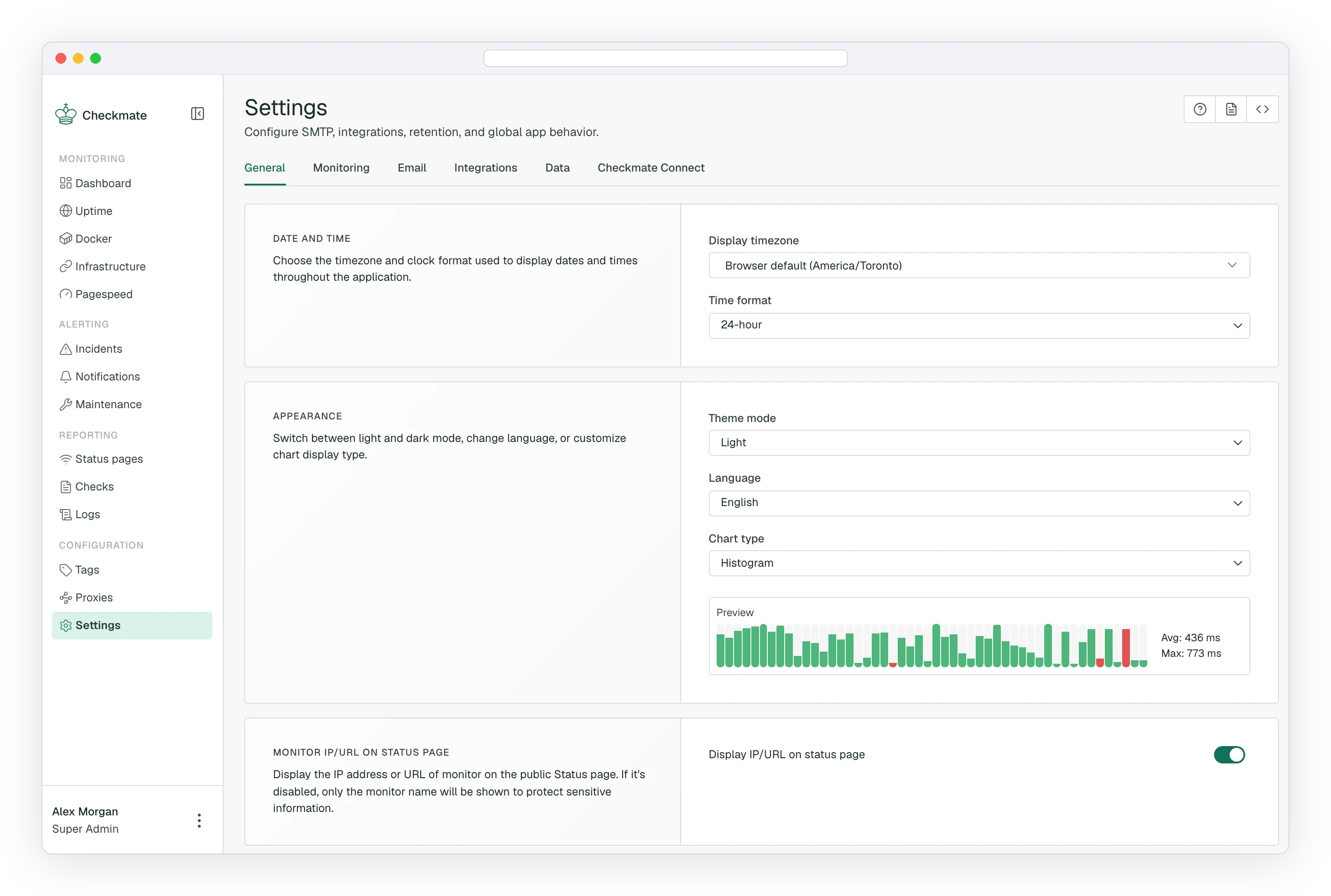
All three are per-user preferences, stored in your own browser.
Monitor IP/URL on status page
The Monitor IP/URL on status page toggle sits on the same tab but is a different kind of setting.
It controls whether the IP address or URL of a monitor is displayed on the public status page. With it disabled, only the monitor name is shown, which keeps internal hostnames out of public view.
Warning
This is a team-wide application setting, not a personal preference, changing it affects what every visitor to your public status pages can see. Only Admins and Superadmins can change it.