DocumentationSettings
Export monitors
Download your monitors as JSON.
Overview
The export downloads a JSON file with the configuration of every monitor in your team. Use it for backup or to move monitors to another Checkmate instance. Check results and history are not included.
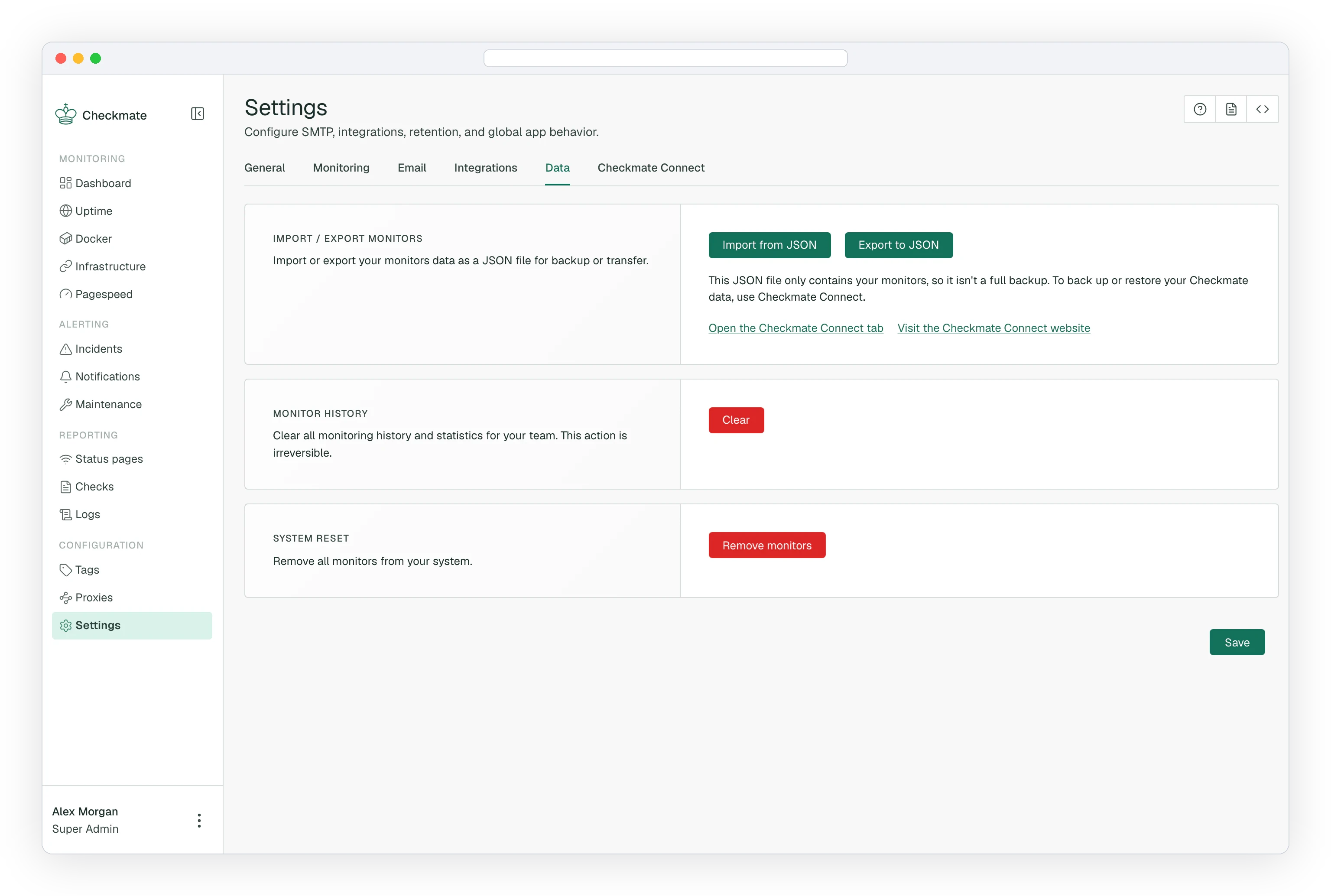
Exporting monitors
- Navigate to Settings in the sidebar
- Open the Data tab
- In Import / Export monitors, click Export to JSON
- Save the downloaded
monitors.jsonfile
Note
Only Admins and Superadmins can export monitors.
Restoring an export
Load the file back with Import from JSON, next to the export button. See Import monitors for the file format and what happens on import.